In this guide10 sections
- When a virtual baby shower makes sense
- Choosing a platform
- How to plan a virtual baby shower, step by step
- A one-hour virtual baby shower schedule
- Games that work online
- Sending gifts from afar
- Hybrid baby showers: in the room and online
- Tech tips for a smooth shower
- Questions about the call itself
- Your invitation and registry with parati
When family is spread across cities or countries, or the mom-to-be needs to rest, a virtual baby shower lets everyone celebrate anyway. It works best when you plan it like a short gathering, with a clear schedule and someone to run it. Here’s how to pick a platform, plan it step by step, fill one hour, choose games that work on screen and handle gifts for the people who can’t be there in person.
When a virtual baby shower makes sense
- Family lives far away, in another city or another country, and not everyone can travel.
- The mom-to-be is on bed rest or would rather keep things short and low-key.
- The baby arrived early and you’d rather celebrate from home.
- It’s a second or third baby and you want something small.
- You want to include people who can’t make an in-person shower. That’s what the hybrid version, covered below, is for.
Choosing a platform
There are three kinds of options, and the best one is whichever your guests already know how to use.
| Type | Works well for | Keep in mind |
|---|---|---|
| Video meeting app | Mid-size groups and games with screen sharing, polls or a whiteboard | Check the free plan’s participant and time limits; some guests will need to install it |
| Your messaging app’s video call | Small groups and older relatives who already use it every day | Fewer tools for games, and participant limits too |
| Social media livestream | Lots of guests who mostly want to watch | Guests can comment but not talk; decide who can see it |
Before you choose, picture your least tech-savvy guest. If they can join with one tap on the link, the platform will work.
How to plan a virtual baby shower, step by step
- Pick a date and time that works for everyone. A weekend mid-morning or mid-afternoon is usually a safe bet. If some relatives live abroad, list the time in Peru and work out theirs.
- Send the invitation three to four weeks ahead, just as you would for an in-person shower. Include the date, the time, the gift registry, an RSVP deadline and how guests will join the call.
- Choose a host to open the call, introduce the parents, run the games and keep an eye on the clock. Ideally, not the mom-to-be.
- Get your materials ready in advance: PDF game cards, an online form, photos for the games and a playlist.
- Ask for physical gifts to arrive early, if you want to open them live.
- Do a test run a few days before with the host, and another with the relatives who use video calls the least.
- Resend the link an hour before you start.
A one-hour virtual baby shower schedule
Attention spans are shorter on screen than in person. One hour is enough; an hour and fifteen minutes is the most you should plan for.
| Minute | What happens |
|---|---|
| 0–10 | Welcome: the host greets each guest as they join |
| 10–15 | A few words from the parents: how the pregnancy is going and, if they want, the baby’s name |
| 15–35 | Two games |
| 35–50 | Opening gifts or reading messages |
| 50–55 | Advice and good wishes for the baby |
| 55–60 | Thank-yous, a group screenshot and goodbyes |
Games that work online
The best ones use things everyone has on hand, move in quick turns and run through the chat or polls. Our baby shower games guide has three more for video calls: the scavenger hunt, the emoji quiz and blind drawing.
Guess the baby
Before the shower, ask each guest for one of their own baby photos. The host shows them one at a time, and everyone types in the chat who they think it is. Most correct guesses wins.
- You’ll need: the photos in a slideshow.
- Time: 10 to 15 minutes.
Baby predictions
Share an online form asking for the birth date, the weight, who the baby will look like or their first word. Check the answers once the baby is born and have the parents announce the winner.
- You’ll need: an online form.
- Time: 5 minutes during the call.
Parents trivia
Questions about the couple and the pregnancy, answered in a poll or in the chat: “Where did they meet?”, “What’s the strangest craving so far?”, “Who picked the name?”
- You’ll need: ten questions and the poll feature, or pen and paper.
- Time: about 10 minutes.
Gift bingo
Send out PDF bingo cards ahead of time with typical gifts: diapers, onesies, a blanket, a stuffed animal, a bottle. As the mom-to-be opens gifts on camera, guests mark off what appears, and the first to complete a line unmutes and calls it.
- You’ll need: different PDF cards for each guest.
- Time: as long as the gift opening lasts.
Name that lullaby
The host plays a few seconds of a children’s song, and the first person to type the title in the chat scores a point. Check beforehand that the audio comes through when you share your screen.
- You’ll need: a playlist.
- Time: about 10 minutes.
Advice book
Each guest writes a piece of advice or a wish for the baby in a shared document, or says it out loud while someone types it up. Print it afterward as a keepsake.
Sending gifts from afar
- A registry with a link. Guests pick a gift from their phone without asking for the address or the size, and nothing gets duplicated. If you haven’t built yours yet, start with what to ask for at a baby shower.
- Big gifts shared by several guests. A crib or a stroller can be split up so several guests chip in.
- Contributions toward a goal, like the nursery, for guests who would rather give money.
- If someone wants to send a physical gift, share a delivery address and ask for it to arrive before the call so you can open it live.
- Keep track of who gave what. You’ll want to thank each person, and these thank-you messages for gifts can help.
Hybrid baby showers: in the room and online
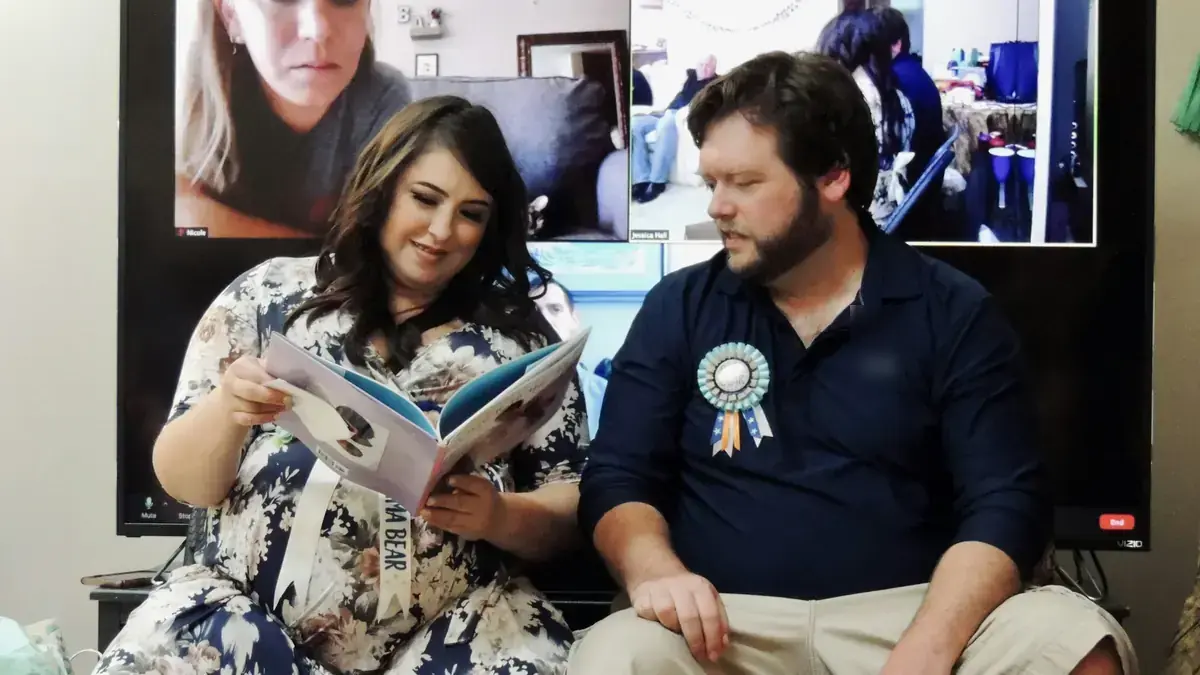
An in-person shower with guests joining remotely needs a little production:
- One person in charge of the connection only, who isn’t also running the food.
- The laptop or phone on a tripod at the mom-to-be’s eye level, plus a speaker or external mic if the room is full.
- A big screen, like the TV, so people in the room can see the ones who are far away.
- Games that mix both groups: teams with in-person and remote players, and chat answers read out loud.
- A round of hellos so remote guests get to talk, not just watch.
- Connect only for the main part, an hour at most, not for the whole party.
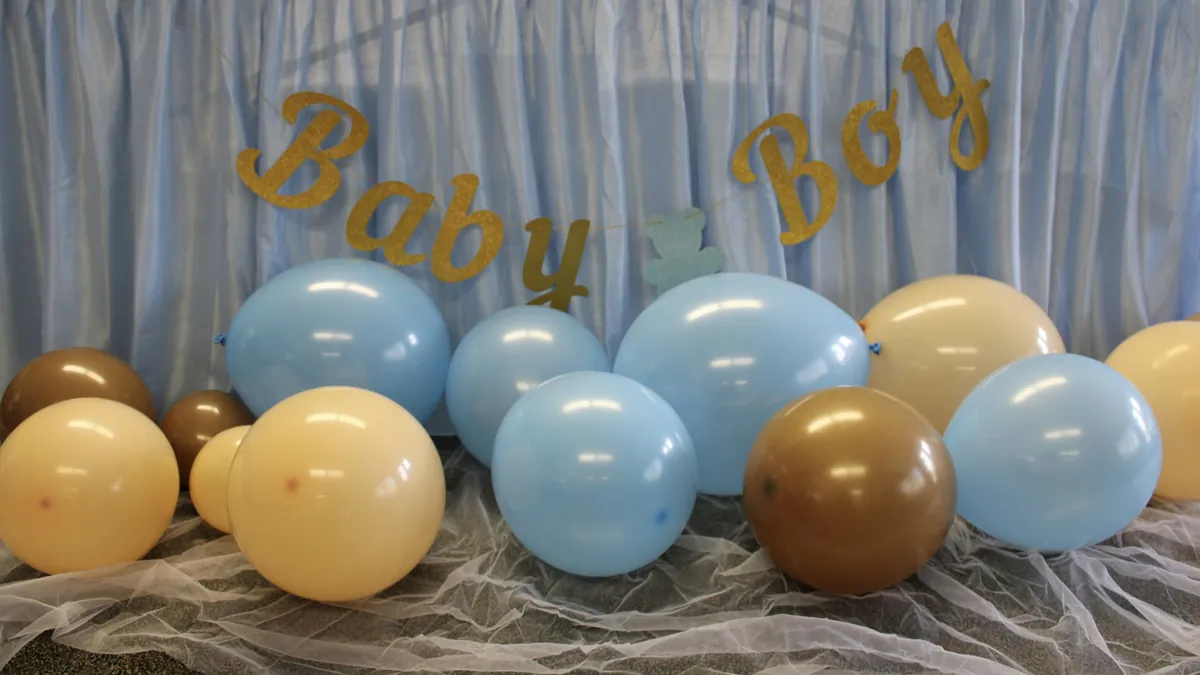
For the in-person half, put the decorating into one corner, since that’s the part the camera sees: the palettes and themes are in baby girl shower ideas and in baby boy shower ideas.
If you’re also revealing whether it’s a boy or a girl, these gender reveal ideas work over video call too.
Tech tips for a smooth shower
- Give the mom-to-be the best connection: close to the router or on a cable.
- Light from the front, never a window behind the camera.
- Everyone muted except whoever is speaking; the host manages the mics.
- A plan B: a backup link or a WhatsApp group to share updates if something breaks.
- Ask before you record, and say so when you start.
- A planned group photo: everyone turns their camera on at a set moment in the schedule.
- A practice call with any grandparents, aunts or uncles who need help joining.
Questions about the call itself
How many guests are too many for a video call?
The real limit isn’t your plan’s, it’s the conversation’s: past a certain point nobody volunteers to speak and the party turns into a broadcast. If you want everyone to say hello and play, invite as many as fit into a round of hellos without it dragging. If the list is long and most people just want to watch, run a livestream and a separate short call with the closest few.
How do the toast and the cake work if everyone is at home?
Say on the invitation that guests should have something to toast with and something sweet on hand. On the call it goes the way it does in person: someone says a few words, everyone raises a glass to the camera, and the mom-to-be cuts her cake at the minute the schedule says. If you want it to look coordinated, ask people to pour before the toast, not during it.
How do I get the game prizes to the winners?
Pick prizes that travel. A digital gift card, a food delivery order or a subscription reach the winner on their own; a handmade soap does not. Announce the winners live, which is the fun part, and send the prize afterwards through the same chat where you shared the link. If guests are in another country, a symbolic prize — an edited photo, the title of champion — works just as well.
What if nobody talks and it gets awkward?
That’s the host’s job, and it’s fixed by naming people instead of asking the group: “Carmen, tell us how they met” gets an answer, “does anyone want to say something?” doesn’t. Let everyone else reply in the chat while one person speaks, cut turns before they run out of steam, and keep two questions in reserve for the silences. If someone would rather not speak, the chat counts as taking part.
Your invitation and registry with parati
With parati for baby showers you create the invitation and the gift registry on one link and share it on WhatsApp, including with family who live in another city.
- Guests RSVP and give gifts from their phone, without creating an account, paying by card or Yape (a mobile wallet widely used in Peru).
- Gifts can be split into parts so several guests can share one, and El Sueño (The Dream) is a big gift, like the nursery, with the goal and the minimum contribution you set.
- You see who confirmed and who gave what, so you know who’s joining and can thank everyone.